What Is Colocation? A Complete Guide to Data Center Colocation for Businesses
Imagine you run a growing business in Los Angeles. Your server closet is overheating. You’ve had two power outages this year, and your IT team spends more time managing the building’s cooling issues than improving your actual systems. You need a better way.
That better way is colocation.
Colocation (often shortened to “colo”) is when a business places its own servers, storage, and networking equipment in a third-party data center facility. You own and control your hardware. The colocation provider supplies the physical space, redundant power, cooling, physical security, and high-speed internet connectivity.
This guide explains what colocation is, how it works, why businesses choose it over on-premises closets or the public cloud, and how Fireline Broadband’s Los Angeles data center can be the right home for your critical infrastructure.

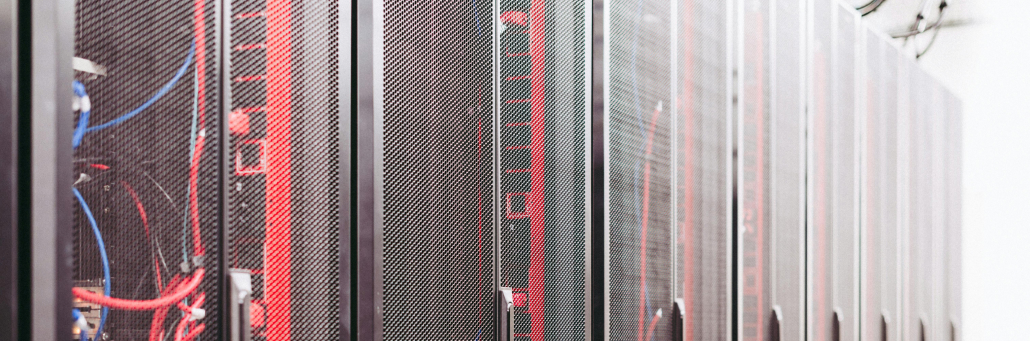
How Colocation Works: You Bring the Gear, We Provide the Building
Think of colocation as a secure, highly engineered apartment building for your servers.
| What You (the Business) Provide | What the Colocation Provider Provides |
| Servers, storage arrays, networking switches | Physical building and secure entry |
| Firewalls and security appliances | Raised floors and structured cabling |
| Software and operating systems | Redundant power feeds, UPS systems, and backup generators |
| Your data and applications | N+1 cooling (HVAC) to prevent overheating |
| Your own IT management (or a managed service provider) | 24/7 physical security: biometrics, mantraps, CCTV |
| High-speed internet connectivity and carrier-neutral cross-connects | |
| Fire suppression and environmental monitoring |
You rent space by the rack (a standardized frame for mounting equipment), by the cage (a locked, wire-mesh enclosure for multiple racks), or by the private suite (a dedicated, locked room).
When your server needs more cooling or your business needs more bandwidth, the colocation provider handles the facility side. You focus on what you do best: running your business.
The Benefits of Colocation: Why Businesses Make the Switch
1. Eliminate the Server Closet (Cost and Focus)
Building and maintaining a private data center is staggeringly expensive. You need raised floors, dedicated HVAC, redundant electrical work, fire suppression, and 24/7 security. Colocation converts these capital expenses (CapEx) into predictable, monthly operational expenses (OpEx).
No more cooling a server closet with a portable AC unit. No more worrying about a tripped breaker taking down your email.
2. Dramatically Improve Uptime and Reliability
A standard office building has a single power feed and basic air conditioning. A colocation data center has redundant power paths, N+1 cooling, and backup generators with fuel contracts. This translates directly into uptime. The best facilities offer Service Level Agreements (SLAs) guaranteeing 99.999% availability – that is just over five minutes of downtime per year.
3. Scale Your Infrastructure Without Moving
Growing from one rack to ten racks in your own office means finding more space, more power, and more cooling. In a colocation facility, you simply lease additional space. Need to connect to a cloud provider? The colocation provider can install a direct, low-latency cross-connect to AWS, Azure, or Google Cloud.
4. Enhance Security
A locked door in your office is not sufficient security for business-critical servers. Colocation facilities implement:
- Multi-layer physical security: Biometric scanners, mantraps (interlocking doors that trap unauthorized individuals), 24/7 on-site guards, and continuous CCTV surveillance.
- Individualized access controls: Your cage or cabinet uses a different lock and access credential than any other customer.
- Strict visitor policies: All visitors are escorted, and their access is logged.
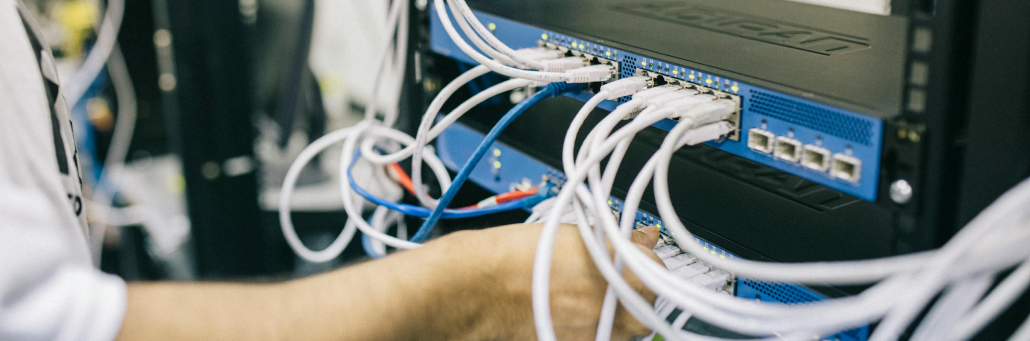
Security in Colocation: A Layered Approach
Security is often the number one reason businesses move from on-premises to colocation. A secure colocation facility protects your hardware from theft, tampering, environmental damage, and unauthorized remote access.
| Security Layer | What It Includes | Why It Matters |
| Perimeter & Building | Fencing, bollards, man-traps, 24/7 guard station | Prevents unauthorized physical entry |
| Access Control | Biometric hand/fingerprint scanners, RFID badges, multi-factor authentication combined with PIN codes | Ensures only pre-authorized personnel can enter data halls |
| Surveillance | CCTV cameras covering every aisle, door, and loading dock; recorded footage retained for months | Deters theft and provides an audit trail |
| Environmental | Very early smoke detection apparatus (VESDA), gas-based fire suppression (no water damage), temperature/humidity sensors | Protects hardware from fire, flood, and overheating |
| Cybersecurity | DDoS mitigation, firewalls, intrusion detection systems (IDS), and network segmentation (VLANs) | Protects data in transit from attacks |
Furthermore, reputable colocation providers undergo independent third-party audits. Look for certifications such as SOC 2 Type II (proves effective security controls), ISO 27001 (information security management standard), and HIPAA or PCI DSS compliance where applicable. These certifications demonstrate that the provider follows rigorous, documented security practices.
Colocation vs. Public Cloud: Not an Either/Or Decision
| Factor | Colocation | Public Cloud (AWS, Azure, GCP) |
| Ownership | You own the hardware | Provider owns everything |
| Control | Full control over hardware, OS, and software stack | Limited to cloud provider’s APIs and services |
| Cost Model | High operational expenditure; predictable monthly costs | Pay-as-you-go; costs can spike with data egress or usage |
| Scalability | Add more racks or upgrade power; requires lead time | Instant, elastic scaling |
| Best For | Predictable, high-volume workloads; data sovereignty; hybrid architectures | Variable workloads; developer agility; serverless applications |
Modern IT strategy is not “colocation or cloud.” It is “colocation and cloud.” Many businesses use colocation for their core, steady-state applications and cloud bursting or development in the public cloud. Direct, private connections from the colocation facility to cloud providers (called “cloud on-ramps”) make this hybrid architecture seamless and secure.
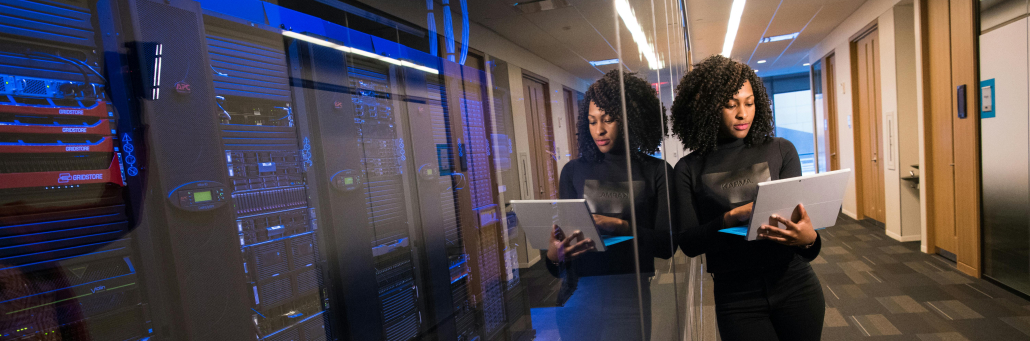
Why Fireline Broadband for Colocation?
Fireline Broadband’s Tier II+ data centers in Los Angeles and Orange County offer AI-ready colocation with direct peering to major interconnection hubs.
What we offer:
- Secure, Redundant Facility: Biometric access, mantraps, 24/7 NOC monitoring, video surveillance, and on-site engineers.
- Enterprise Power and Cooling: Redundant A/B power feeds, battery backups, generator redundancy, and N+1 cooling.
- Direct Fiber Connectivity: We own and operate fiber to major interconnection hubs, including One Wilshire, Equinix LA1/LA4/LA5, CoreSite LA, and our own LAX and Las Vegas data centers.
- Flexible Colocation Options: Space starting at $200 per month for rack space, plus cages and private suites.
- Carrier-Neutral Meet-Me-Room: Connect directly to multiple ISPs, cloud providers, and business partners without public internet latency or egress fees.
- Same-Day Service & Support: Our local team is on-site and available 24/7 for remote hands and troubleshooting.
For a provider like Fireline Broadband, security is especially important because colocation customers are trusting the facility with business-critical infrastructure. That means physical safeguards and network protection should work together to reduce downtime and keep systems resilient.
Ready to Move Out of the Server Closet?
If you are experiencing any of these pain points, colocation is worth a serious look:
- Your server closet or “data room” is running out of power or cooling capacity.
- You have experienced a business interruption due to a power outage, HVAC failure, or security issue.
- Your IT team spends too much time managing facility issues (power, cooling, permits) instead of improving systems.
- You need direct, low-latency connections to cloud providers or business partners.
- You want to convert unpredictable IT capital expenses into predictable monthly operating expenses.
Colocation is mature, proven, and more accessible than ever. With Fireline Broadband’s Los Angeles and Orange County data centers, you gain enterprise-grade infrastructure, 24/7 local support, and direct fiber to the region’s most important interconnection hubs — without building your own facility.
Call our business team:877-347-3147
Learn more about our Data Center Solutions
FAQs About AI Hosting
What is colocation in simple terms?
Colocation is when you put your own company servers in a secure, third-party data center instead of keeping them in your office. The data center provides the power, cooling, security, and internet.
How is colocation different from a data center?
A data center is the physical building that houses servers. Colocation is the service of renting space inside that building from a provider who owns and operates it.
Is colocation more secure than keeping servers on-premises?
For most businesses, yes. Professional colocation facilities have layers of physical and digital security that are too expensive for a single company to implement on its own. This includes biometric access controls, 24/7 surveillance, and fire suppression systems.
How much does colocation cost?
Pricing varies based on space (rack, cage, suite), power requirements (amperage), and connectivity. Fireline Broadband offers colocation starting at $200 per month for rack space. Contact us for a custom quote based on your specific needs.
Can I connect my colocation servers to the public cloud?
Yes. This is called a “hybrid cloud” architecture. Our facility offers direct, private cross-connects to major cloud providers like AWS, Azure, and Google Cloud, which avoids the public internet and provides higher performance and security.
What is a “meet-me-room”?
A meet-me-room is a secure area within a colocation data center where different network providers physically connect their cables. This allows customers to easily switch providers or add redundant connections without new construction.
What is the difference between colocation and managed hosting?
With colocation, you own and manage your own servers. The provider only supplies the facility. With managed hosting, the provider also owns the servers and manages the operating system and software for you.
Is my data backed up in colocation?
No. Colocation provides a secure home for your hardware. Backup and disaster recovery are your responsibility. However, you can configure your own backup systems or purchase backup services from the colocation provider or a third party.
What is remote hands support?
Remote hands means a data center technician physically performs simple tasks for you, such as rebooting a server, replacing a failed hard drive, or connecting a cable. This saves you from driving to the facility for small issues.
How do I get started with colocation?
Contact Fireline Broadband’s colocation specialists. We will tour you through our data center colocation facility, discuss your power and space requirements, and provide a detailed proposal.