

Construction: How Do I Get Reliable Temporary Internet for a Job Site Trailer?
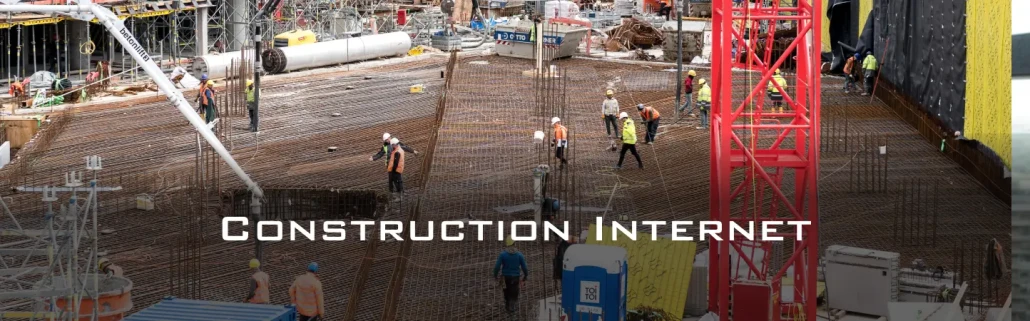
A reliable job site trailer connection usually comes from fixed wireless, cellular, fiber, satellite, or a combination of those services. For many construction sites, fixed wireless offers the best balance of fast deployment, business-grade performance, and stability when a fiber build is not yet available.
The most important step is to plan internet alongside trailer placement, temporary power, cameras, and site access—not after the team has already moved in.

Why Internet Is Essential on a Job Site
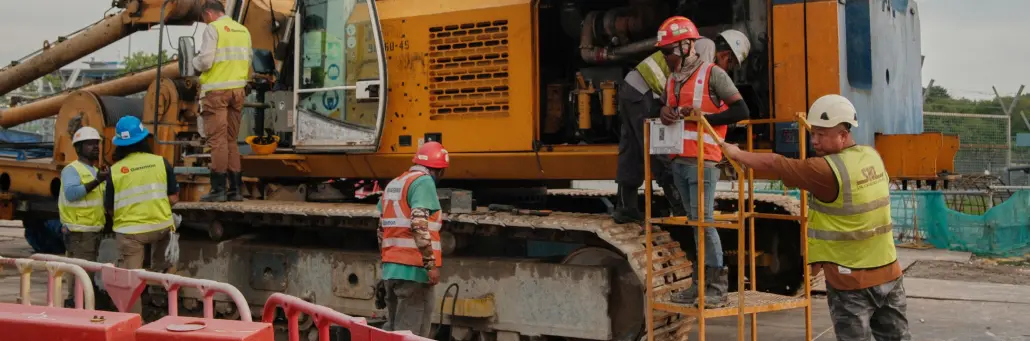
A construction trailer is no longer just a temporary office. It is often the project’s operations center, supporting cloud-based plans, scheduling, safety reporting, field tablets, video meetings, payroll, timekeeping, printers, security cameras, and communication with subcontractors and owners.
Without dependable internet, teams may resort to personal hotspots and unstable mobile service. That creates delays when teams need to upload plans, access project-management platforms, join video calls, monitor cameras, or share high-resolution files with the office.
Start With Site Requirements
A reliable job site trailer connection usually comes from fixed wireless, cellular, fiber, satellite, or a combination of those services. For many construction sites, fixed wireless offers the best balance of fast deployment, business-grade performance, and stability when a fiber build is not yet available.
The most important step is to plan internet alongside trailer placement, temporary power, cameras, and site access—not after the team has already moved in.
Why Internet Is Essential on a Job Site
A construction trailer is no longer just a temporary office. It is often the project’s operations center, supporting cloud-based plans, scheduling, safety reporting, field tablets, video meetings, payroll, timekeeping, printers, security cameras, and communication with subcontractors and owners.
Without dependable internet, teams may resort to personal hotspots and unstable mobile service. That creates delays when teams need to upload plans, access project-management platforms, join video calls, monitor cameras, or share high-resolution files with the office.
Start With Site Requirements
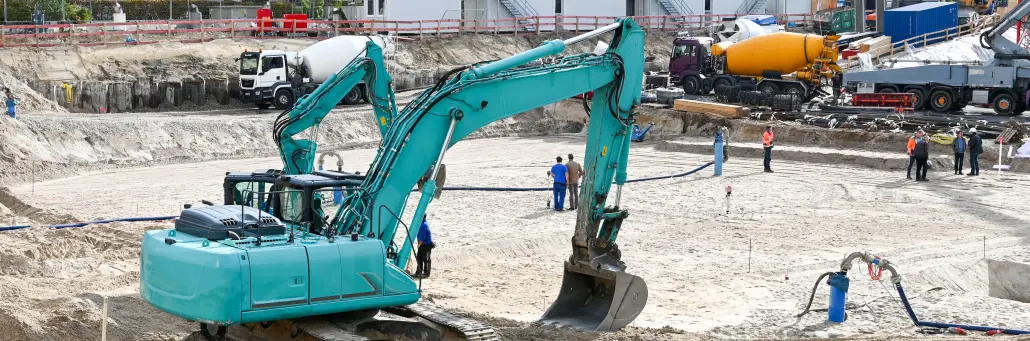
Before choosing a temporary internet option, determine what the site needs to support at peak use—not just how many people will be sitting in the trailer.
Consider:
- Number of trailer staff, foremen, and visiting subcontractors
- Number of phones, tablets, laptops, printers, and other devices
- Cloud platforms for drawings, BIM files, scheduling, and document control
- Video meetings, remote inspections, and large file uploads
- Security cameras, gate access, and remote site monitoring
- Guest Wi-Fi needs for vendors or project partners
- Expected project duration and whether the trailer will relocate
- Need for backup connectivity if the primary service fails.
A small trailer may only need dependable access for email, cloud documents, and a handful of video calls. A larger project may need enough upload capacity for cameras, multiple dedicated Wi-Fi networks, large plan-set transfers, and continuous connection to a head office.nsumption belongs in the attendee Wi-Fi calculation too. For external viewers, the streaming platform or CDN generally handles delivery bandwidth, but your event still needs enough upload capacity to send the feed out reliably.
Temporary Internet Options
Each connection type has a different role. The right choice depends on your schedule, local service availability, performance needs, and how long the job site will operate.
| Option | Best for | Strengths | Watch-outs |
|---|---|---|---|
| Fiber | Long-duration projects and high-demand sites | High capacity, low latency, scalable performance firelinebroadband+1 | New builds can require a long lead time |
| Fixed wireless | Trailers needing fast, reliable business internet | No new cable construction; high-speed connectivity for sites without wired infrastructure verizon+2 | Requires a viable service path and professional site assessment |
| 4G/5G cellular | Small sites, quick turn-up, and failover | Portable, flexible, and quick to deploy rogers+1 | Performance can vary with signal strength, data plans, and local congestion |
| Satellite | Remote locations without terrestrial coverage | Works beyond cable, fiber, and cellular footprints constructedge+1 | May have higher latency and weather-related performance considerations |
| Hybrid design | Mission-critical trailers and major projects | Uses a primary connection plus an independent backup path t-mobile+1 | Requires additional planning and equipment |
Why Fixed Wireless Works for Construction
Fixed wireless delivers broadband to a fixed location using radio signals, rather than new physical cable or fiber lines. A provider installs a receiver at the trailer or another suitable site structure and links it to a nearby network point or base station.
For construction, that matters because the site may not have existing cable infrastructure—and the trailer may only need service for months, not decades. Fixed wireless can provide internet without waiting for trenching, utility coordination, or a new fiber build.
Fireline states that its fixed wireless installations can be completed in as little as two business days. That makes it a practical option when a project team needs to establish a functioning job site quickly.
Fiber: Best When the Schedule Allows
Fiber is usually the preferred long-term option for a large, high-usage construction site. It can support many users, heavy drawing and BIM-file transfers, cloud applications, cameras, and video conferencing with strong performance and low latency.
The challenge is timing. A new fiber connection may require construction, permits, right-of-way approvals, building access, and provider coordination. For a temporary trailer, those steps may take longer than the construction project can wait.
One practical approach is to install fixed wireless as the immediate connection, then transition to fiber if or when the permanent service becomes available. Fireline calls this a “MiFiber Conversion,” in which temporary internet is installed while fiber is built to the site.
Cellular: Useful, But Not Always Enough
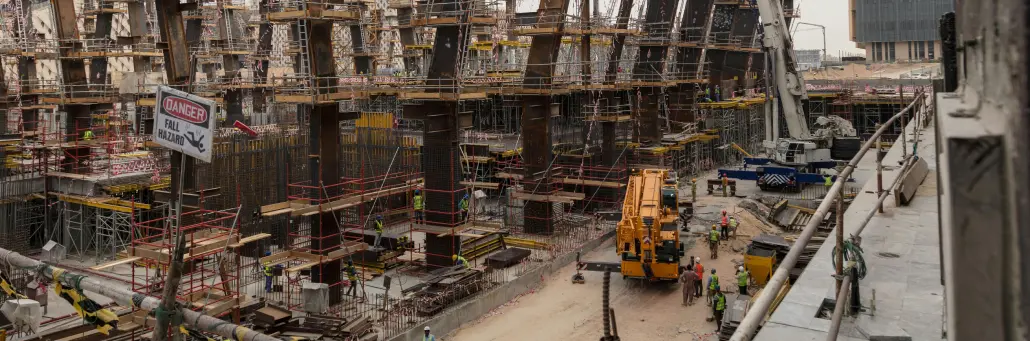
4G and 5G business internet can be useful when service is needed immediately, especially for a small trailer or short-term project. With a business-grade cellular router, external antennas, and an appropriate data plan, cellular can support general office access, cloud apps, and basic communications.
However, cellular can be affected by local coverage, congestion, the number of connected devices, and plan limits. A consumer hotspot is rarely a reliable primary connection for a busy trailer with several staff members, cameras, and cloud workloads.
Use cellular as a primary connection only after a coverage test and workload review. For many projects, it is better suited as a rapid-deployment option or backup path behind a fixed wireless or fiber connection.
Satellite for Remote Sites
Satellite is often the fallback for remote projects where fiber, cable, fixed wireless, and dependable cellular are unavailable. It can be a useful solution for early-stage development, rural land, mining, utility work, or temporary sites far from terrestrial infrastructure.
Before selecting satellite, consider latency, available upload speeds, obstructions in the sky view, weather exposure, and data-plan terms. It can provide vital connectivity, but it may not perform the same way as a well-engineered fiber or fixed wireless connection.
Keep Critical Systems Separate
A reliable job site network is not just about the internet circuit. It is also about how traffic is organized inside the trailer.
Separate the following into distinct networks or VLANs:
- Office staff and project-management devices
- Guest and subcontractor Wi-Fi
- Security cameras and access-control systems
- Printers, scanners, and other shared devices
- IoT or site-monitoring equipment
Segmentation keeps high-priority traffic such as camera uploads, timekeeping, and cloud plan access from being disrupted by general browsing or guest devices. It also improves security by limiting who can reach critical systems.
Build a Backup Plan
A single connection is a single point of failure. For sites where an outage would interrupt cameras, access control, payroll, safety systems, cloud documents, or remote project coordination, add a secondary connection that uses a different technology.t-mobile+1
For example, use fixed wireless as the primary connection and a business-grade 5G router as automated failover. If the main circuit drops, critical traffic can continue over cellular until service is restored. A remote site might use satellite as the main service with cellular backup, depending on availability.
The goal is not necessarily to give everyone full-speed Wi-Fi during an outage. It is to keep mission-critical systems online.
A Practical Deployment Plan
- Plan connectivity before the trailer arrives. Include it in early site planning with temporary power, fencing, camera locations, and trailer placement.
- Request a site assessment. Check fixed wireless availability, line of sight, fiber proximity, cellular signal, rooftop or pole mounting, and cable routes.
- List critical applications. Identify what cannot go offline: cameras, access control, timekeeping, document systems, cloud backups, and voice/video tools.
- Select the primary connection. Use fiber if the schedule supports it; use fixed wireless for a faster business-grade deployment; use cellular or satellite where site conditions demand it.
- Install secure equipment. Use a business firewall, managed switch, enterprise-grade Wi-Fi access points, and secured exterior hardware.
- Segment the network. Keep office, guest, camera, and IoT traffic separated.
- Test failover and coverage. Verify internet speed, Wi-Fi coverage, camera uploads, video-call quality, and backup behavior before the crew depends on it.
How Fireline Supports Job Site Trailers
Fireline provides business-class fiber and fixed wireless services, including speeds up to 10 Gbps across its service portfolio. For temporary construction trailers, Fireline’s fixed wireless service can provide a fast path to connectivity without waiting for a new fiber build; the company states installation can be completed in as little as two business days.
Fireline also offers temporary internet during a fiber build through its MiFiber Conversion option. That allows a construction team to get online quickly, then transition to a more permanent fiber connection when it is ready.
For projects requiring continuity, Fireline’s fiber and fixed wireless options can also support a more resilient design, with different connection types used for primary service and backup planning.
Our voice solutions partner Fireline Communications is perfect to help you with all your business voice needs when it comes to providing a reliable voice connection and advanced communication features.
We Can Help
Reliable temporary internet for a construction trailer is possible at nearly any site, but the best approach depends on the location, schedule, workload, and risk of downtime. Fiber is ideal for high-capacity, long-term demand; fixed wireless is often the fastest business-grade solution; cellular is valuable for rapid setup or backup; and satellite connects the most remote sites.
Treat job site connectivity as a core construction utility. With early planning, the right connection, secured Wi-Fi, and a backup path, your trailer can stay productive from groundbreaking through closeout.
Contact us today to discuss your event internet needs.
Call our business team: 877-347-3147
Learn more about our Dedicated Business Temporary Internet Solutions
FAQ
What is the best internet option for a construction trailer?
Fixed wireless is often the best choice when you need fast, reliable service and fiber is not yet available. Fiber is ideal for long-term, high-demand sites, while cellular and satellite can support rapid deployment, remote locations, or backup needs.
How quickly can I get internet at a job site?
Deployment time depends on the site and technology. Fixed wireless and cellular typically deploy faster than a new fiber build. Fireline says its fixed wireless installation can be completed in as little as two business days.
Can I use 5G internet for a construction trailer?
Yes. Business-grade 4G/5G internet can work well for small or short-term trailers and is useful as a backup connection. Test local coverage and avoid relying on a consumer hotspot for a busy, business-critical site.
Is fixed wireless reliable enough for construction site cameras?
Yes, when the link is professionally installed and sized with enough upload capacity for the number and video quality of the cameras. Keep cameras on a separate network from general office and guest Wi-Fi traffic.
Do job sites need backup internet?
Add 20–30% above your estimated need to cover demand spikes, unexpected devices, and fluctSites that rely on cloud systems, security cameras, access control, timekeeping, or remote collaboration should have backup connectivity. A cellular or satellite failover path can keep essential systems operating during a primary connection outage.
How much bandwidth does a construction trailer need?
It depends on users and applications. A small office might need modest capacity for cloud files and video calls, while larger sites with cameras, frequent plan uploads, BIM workflows, and many staff need more bandwidth—especially upload capacity. Plan around peak activity, not just average use.