
Manufacturing companies are under pressure to keep production moving even when suppliers, logistics partners, or internal systems are disrupted. A strong network infrastructure helps teams respond faster, protect operations, and reduce the impact of delays across the supply chain.

free speed test by Fireline Broadband

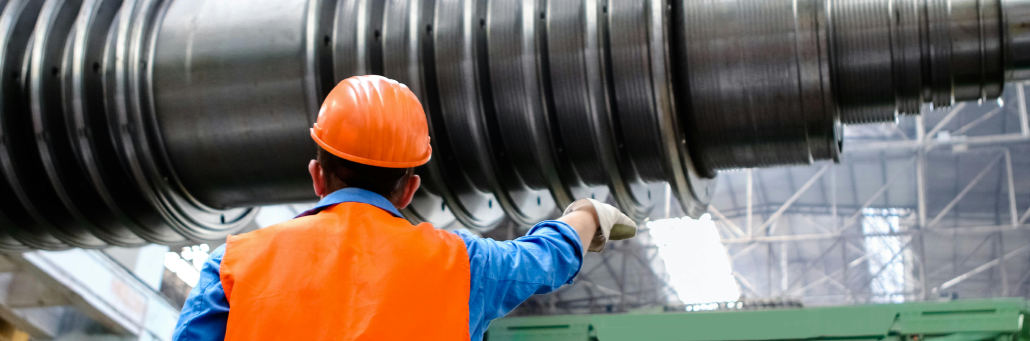
employee operating machine - Manufacturing future with Fireline Broadband

How Manufacturing is Evolving

Manufacturing has shifted from manual assembly lines to smart, connected factories powered by Industry 4.0. Automation, robotics, and digital integration now drive efficiency but demand robust networks to succeed.

Key evolutionary trends:

  • Smart factories: Real-time data from machines, robots, and sensors coordinates production.
  • Digital twins: Virtual models simulate operations for faster troubleshooting and optimization.
  • Predictive maintenance: AI analyzes equipment data to prevent breakdowns before they occur.
  • Supply chain digitization: Blockchain and IoT track parts from supplier to assembly.
  • Remote operations: AR glasses let experts guide workers from anywhere via high-speed video.

These changes create 10x data growth, requiring networks that handle constant high-volume streams without interruption. Legacy infrastructure cannot keep pace with this evolution.

Bandwidth Growth in Manufacturing

Technology2015 Bandwidth2025 BandwidthGrowth Factor
Machine Vision10Mbps/camera100Mbps/camera10x
IoT Devices100 devices/plant10,000 devices/plant100x
Video Analytics25Mbps stream200Mbps stream8x
Remote AR/VRNot deployed50Mbps/userNew demand
Digital TwinsN/A1-5Gbps transfersNew demand

This chart shows manufacturing’s explosive bandwidth requirements as digital transformation accelerates.
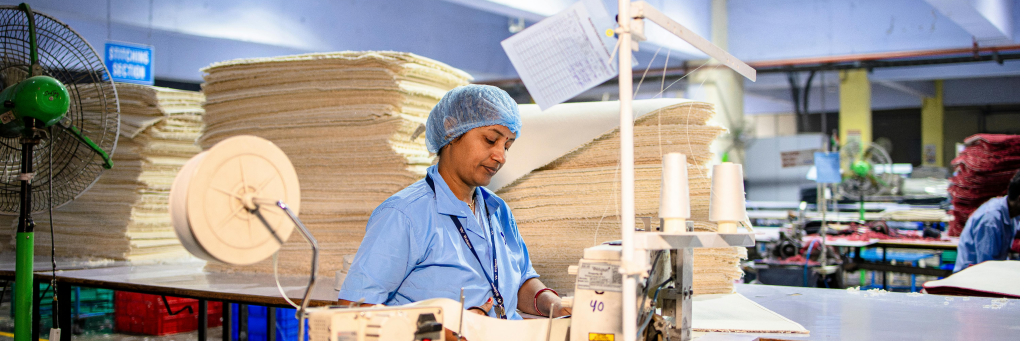
employee operating machine - Manufacturing future with Fireline Broadband

The Growing Bandwidth Needs of Manufacturing

Modern manufacturing operations demand significantly more bandwidth than traditional setups. Industry 4.0 technologies like IoT sensors, real-time machine monitoring, and AR/VR training push networks to their limits.

Key bandwidth drivers:

  • Machine vision cameras: 50-200Mbps per camera
  • IoT/IIoT devices: 10,000+ devices per plant averaging 1-5Mbps each
  • Real-time analytics: 100Mbps+ continuous data streams
  • Remote experts: 4K video collaboration (25-50Mbps)
  • Digital twins: Multi-Gbps simulation data transfers

Bandwidth growth trend

Manufacturing networks see 30-50% annual bandwidth increases as automation expands. Legacy 100Mbps connections now bottleneck production lines and cloud ERP systems.

Solution:

Upgrade to symmetrical multi-gigabit internet solutions with fiber or fixed wireless for scalable capacity. Fireline Broadband delivers 1-100Gbps connections that grow with manufacturing’s digital transformation.

Why network infrastructure matters

Manufacturing depends on constant communication between plants, warehouses, suppliers, and customers. When the network is slow or unreliable, teams lose visibility into inventory, shipments, machine data, and order updates.

That can create avoidable delays, missed deadlines, and higher operating costs. A resilient network gives manufacturers the speed and stability they need to make decisions in real time.

How disruptions affect manufacturing

Supply chain problems often start outside the plant, but they quickly affect production. Common issues include delayed parts, limited inventory visibility, vendor communication gaps, and downtime at connected facilities.

When systems are disconnected or slow, manufacturers may overorder, underproduce, or miss time-sensitive shipments. A better network reduces those blind spots and helps teams adapt faster.
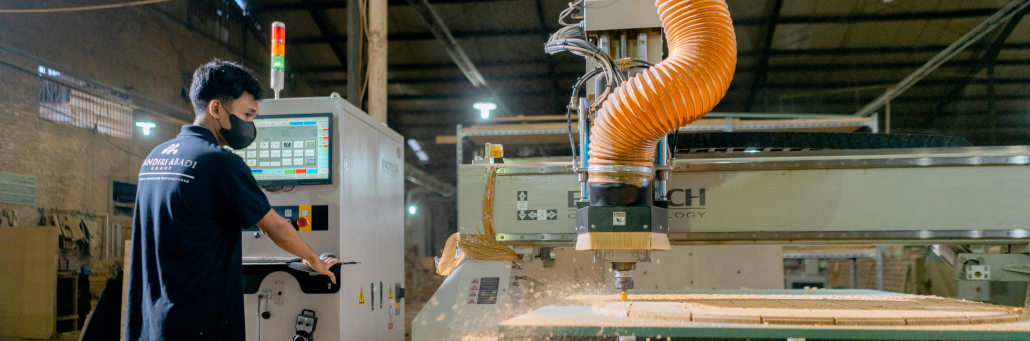
employee operating machine - Manufacturing future with Fireline Broadband

Ways to future-proof operations

Manufacturers can strengthen resilience by improving the underlying network that supports production and logistics.

Key steps include:

  • Build reliable connectivity between sites.
  • Use backup connections to reduce downtime.
  • Centralize data access for inventory and operations.
  • Secure communications across plants and vendors.
  • Monitor network performance continuously.

These changes help teams keep working even when supply chains become unpredictable.

Security and continuity

Network infrastructure also plays a major role in protecting manufacturing systems. Secure access controls, encrypted traffic, and separate guest or vendor networks help reduce risk while keeping operations running.

Business continuity planning should include backup internet, failover routing, and clear recovery procedures. That way, a local outage does not stop production or communication with suppliers.

How Fireline helps

Fireline Broadband supports manufacturers with dependable internet infrastructure, while Fireline Communications helps keep business communication connected across teams and locations. Together, they give manufacturers a stronger foundation for visibility, coordination, and continuity.

That matters when supply chains are under pressure and every minute counts.
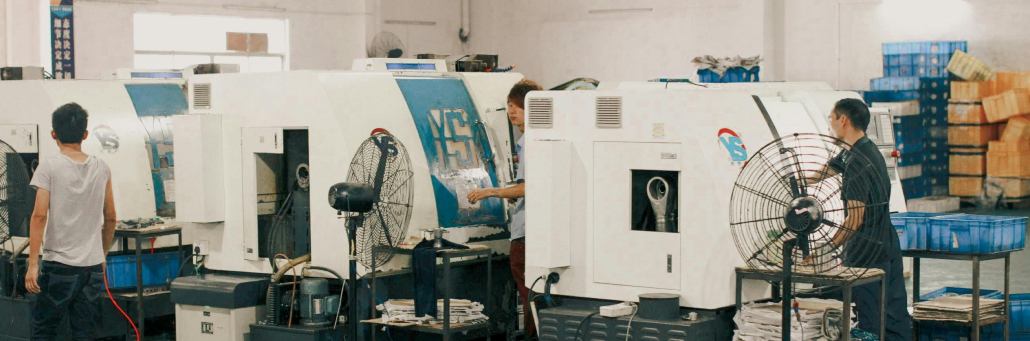
employee operating machine - Manufacturing future with Fireline Broadband

Empowering Manufacturing for the Future

Manufacturers cannot control every supply chain disruption, but they can control how well they respond. A strong network makes it easier to see problems sooner, communicate faster, and keep production moving.

For companies that want to stay competitive, future-proofing starts with the infrastructure behind the operation.

Call our business team: 877-347-3147
Learn more about our Dedicated Internet Solutions

FAQs About Manufacturing

What is future-proofing in manufacturing?

It means preparing operations to stay stable and flexible when disruptions happen.

Why is network infrastructure important in manufacturing?

It supports communication, data visibility, production control, and continuity across sites.

How does better connectivity help with supply chain issues?

IoT devices, machine vision, real-time analytics, and 4K remote collaboration demand multi-gigabit networks.

What are the biggest bandwidth challenges in manufacturing?

IoT devices, machine vision, real-time analytics, and 4K remote collaboration demand multi-gigabit networks.

How can Fireline support manufacturers?

Fireline Broadband and Fireline Communications help provide the connectivity and communication tools needed for resilient operations.


Internet outages can stop business operations in minutes. Calls drop, payments fail, cloud apps freeze, and customers leave frustrated. The solution is proactive backup connectivity, automatic failover, and smart monitoring to keep critical services online no matter what.

free speed test by Fireline Broadband

Fireline Broadband Internet Outage Solutions

Why Internet Outages Are Business Killers

Real Impact Numbers:

  • Average outage: 2-4 hours lost revenue
  • Retail/POS: $10K+ per hour downtime
  • Call centers: 30-50% call abandonment after 60 seconds
  • Cloud-reliant SMBs: Complete operational halt

When the primary connection fails, businesses without backup lose customers, revenue, and trust.

Common Causes of Business Internet Outages

CauseFrequencyTypical DurationPrevention
ISP Network Issues40%1-6 hoursSecondary ISP
Physical Line Damage25%4-48 hoursWireless backup
Power Outages15%30min-8hrsUPS + backup ISP
Hardware Failure10%2-24 hoursRedundant routers
Congestion/Peaking10%OngoingQoS + backup
Fireline Broadband Internet Outage Solutions - Man using desktop and monitor

Proven Solutions for Business Continuity

1. Dual ISP Connections

Primary + backup from different providers. When one fails, traffic automatically routes to the secondary connection.

2. Automatic Failover Routing

SD-WAN or router-based failover detects outages in 3-10 seconds and shifts traffic seamlessly. No human intervention needed.

3. Cloud-Based Phone Systems

Primary + backup from different providers. When one fails, traffic automatically routes to the secondary connection.

4. UPS Power Backup

Battery backup keeps routers, switches, and firewalls alive during power blips (15-120 minutes typical).

5. Network Monitoring

24/7 tools alert IT teams to issues before users notice. Fireline NOC provides enterprise-grade monitoring.

Security During Outages: Don’t Let Downtime Create Vulnerabilities

Outages expose businesses to security risks:

🔴 Traffic rerouting → Unsecured backup connections

🔴 Manual intervention → Human error, phishing risks

🔴 Mobile hotspot use → Consumer-grade security

🔴 Rushed recovery → Weakened firewall rules

🔴 Extended exposure → Longer failover = bigger attack window

Fireline Security Advantages:

✔️ Static IPs → Whitelisted, trusted connections

✔️ Enterprise firewalls → Failover without security gaps

✔️ Encrypted failover tunnels → Secure traffic rerouting

✔️ 24/7 NOC monitoring → Detects suspicious failover traffic

✔️ Business-grade VPN → Remote access stays secure

✔️ DDoS protection → Backup connection stays available

Real Risk Example: 68% of outages lead to security incidents when staff use unsecured mobile hotspots instead of managed failover.

Fireline Broadband Internet Outage Solutions

Fireline Broadband Fixed Wireless: The Perfect Backup

Why fixed wireless beats other backups:

Backup TypeDeploy TimeUpload SpeedCostReliability
Fireline Fixed Wireless48 hours (Same Day Available)up to 10Gbps$$99.99% SLA
Starlink1-2 days20-100Mbps$$$Weather dependent
4G/5G HotspotInstant10-50Mbps$$$Data caps
Secondary DSL3-7 days10-50Mbps$Distance limited

Fireline Broadband advantages:

✓Same-day rooftop install
Business-grade static IPs

✓ Automatic failover compatible

✓ No data caps or throttling

✓ 24/7 LA-based NOC monitoring

Step-by-Step Failover Implementation

Week 1: Order Fireline fixed wireless backup (48hr deploy. Same day install available with additional cost.)
Week 2: Install dual-WAN router (Peplink, Cisco, Cradlepoint)
Week 3: Configure failover policies + test cutover
Week 4: Live with zero-downtime protection

Fireline Broadband Internet Outage Solutions

Keeping Your Business Connected 24/7

Internet outages don’t announce themselves. Businesses that stay online have backup connectivity + automatic failover + monitoring. Fireline Broadband fixed wireless provides the fastest path to business continuity — 48-hour deploymententerprise reliability, and proven failover performance.

Call our business team:877-347-3147
Learn more about our Dedicated Internet Solutions

FAQs About Backup Internet

What’s the fastest way to prevent internet outages?

Deploy fixed wireless backup with automatic failover routing.

How quickly can Fireline fixed wireless be installed?

48 hours from order to live service. Same day install available at additional cost.

What happens to VoIP calls during outages?

Cloud PBX automatically reroutes to mobile apps or backup connections.

What’s the most common outage cause for businesses?

ISP network issues (40% of outages) — solved by secondary ISP connections.

Fast, reliable Wi-Fi keeps businesses running smoothly. Get the right speed, redundancy, and security without complexity. Learn the essential three Wi-Fi best practices to keep your growing business up and running.

free speed test by Fireline Broadband

Small Business Wi-Fi Internet with Fireline Broadband

1. Determine the Right Speed and Capacity

Match your internet to your actual workload.

Every business is different. A 3-person office doing email and cloud apps needs less bandwidth than a coffee shop with 20 customers streaming music while processing payments.

How much speed do you need?

  • 1-5 users/devices: 100-250 Mbps
  • 5-20 users/devices: 250-500 Mbps
  • Retail/guest Wi-Fi: 500+ Mbps
  • Video conferencing + file sharing: Symmetrical speeds (equal upload/download)

Pro tip: Plan for growth. A connection that fits today can become a bottleneck tomorrow.

Small Business Wi-Fi Internet with Fireline Broadband

2. Add Redundancy for Reliability

Don’t let one outage stop your whole operation.

Growing businesses lose money every minute they’re offline. Cash registers freeze, customers leave, phones go silent.

Simple redundancy options:

  • Dual internet circuits – Primary + backup connection
  • Different technologies – Fiber primary + fixed wireless backup
  • Different physical paths – Avoid single points of failure
  • Automatic failover – Switchover happens in seconds

When your POS, cloud apps, and phones stay online during outages, your business keeps running.

Small Business Wi-Fi Internet with Fireline Broadband

3. Secure Customer, Company, and Employee Data

One breach can put you out of business.

Customer payment info, employee records, business data—everything lives on your network. Weak Wi-Fi security is an open invitation to hackers.

Essential security steps:

Separate guest Wi-FiCustomers can’t reach your systems
Strong WPA3 encryptionModern standard, not WEP from 1999
Hide your business SSIDDon’t advertise your network name
Change default passwordsRouter + access points
MAC address filteringOnly approved devices connect

Segment your network:

Company DevicesInternal VLAN
Customer PhonesGuest VLAN
IoT CamerasIoT VLAN
PrintersManagement VLAN

Business Network Applications & Bandwidth Needs

Segment your network:

Business ApplicationBandwidth NeedKey Requirements
Point-of-Sale SystemsLow-MediumAlways-on reliability
Video ConferencingHighLow latency + stable
Cloud ApplicationsMediumConsistent access
Guest Wi-FiMedium-HighHigh device capacity
File Sharing/BackupsHighFast uploads
Security CamerasLow-Medium24/7 streaming

For businesses, Wi-Fi should be treated as a core utility, not an afterthought. A well-designed network supports day-to-day operations, keeps employees productive, and creates a better experience for customers. When your connection is fast, secure, and reliable, your team can focus on serving clients instead of troubleshooting slow speeds, dropped connections, or access problems.

Small Business Wi-Fi Internet with Fireline Broadband

Ready to future-proof your growing business?

Implement your Wi-Fi best practices. Contact Fireline Broadband for a site assessment to get fast, reliable, secure Business Wi-Fi. We’ll map your challenges and design a wireless network that scales with your growing business. Stop troubleshooting Wi-Fi. Start running your business.

Call our business team: 877-347-3147
Learn more about our Dedicated Internet Solutions

FAQs About Wi-Fi Best Practices for Businesses

How much internet speed does my business need?

1-5 users/devices: 100-250 Mbps. 5-20 users/devices: 250-500 Mbps. Guest Wi-Fi need 500+ Mbps.

What’s the best way to add Wi-Fi redundancy?

Combine fiber + fixed wireless. Different physical paths prevent single outages from taking your whole network offline.

How do I secure my business Wi-Fi?

Use WPA3 encryption, separate guest network, change default passwords, and segment internal devices from customer access.

Should businesses use mesh Wi-Fi systems?

Mesh works for homes. Businesses need enterprise access points with centralized management and VLAN support.

How often should I update my Wi-Fi password?

Every 90 days. Use a password manager. Make guests use a different, shorter-lived code.

Can one internet provider handle both primary and backup?

Yes. Fireline Broadband offers fiber + fixed wireless combinations (fiber limited availability) with automatic failover built-in.

What’s the difference between consumer and business Wi-Fi?

Business Wi-Fi supports VLANs, guest networks, centralized management, and higher device density without slowdowns.